
You design it. We take it from there
Design your own solar system in 60 seconds
Design your system
Enter your current electricity usage, select your production target and Energy Plan configuration.See your estimated monthly payment instantly
Plus how much of your home’s energy use your system is designed to offset. Your payment may change after our team reviews your design.Download the Energy Company App
What won’t happen
- Sales calls
- Consultations
- High-pressure tactics
- Unannounced visits
From your design to a working system
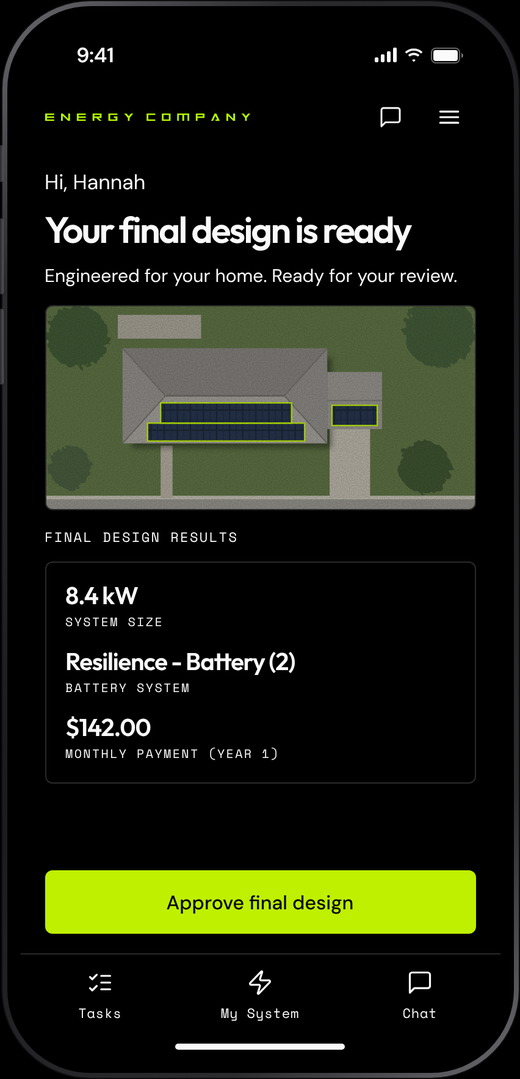
Review your design
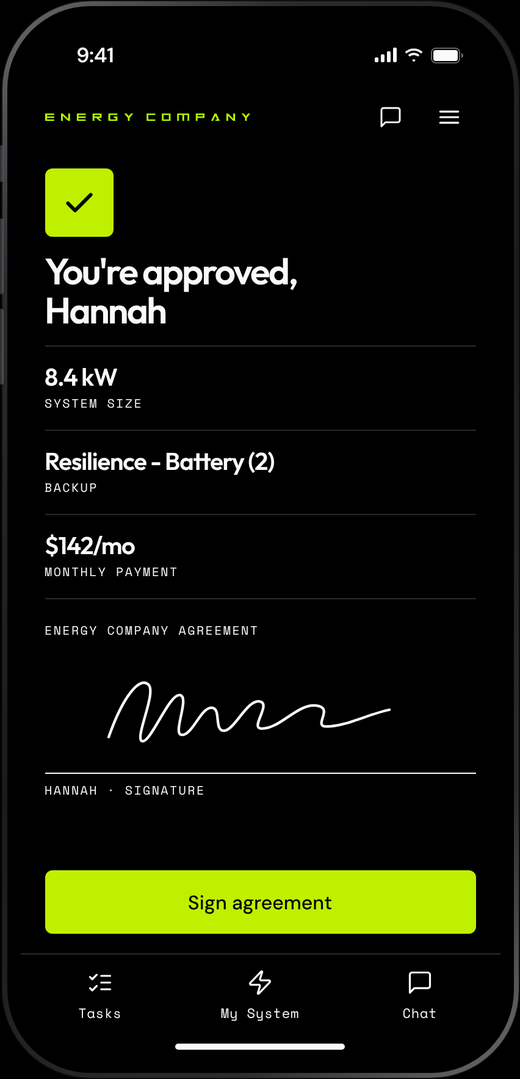
Our team reviews and optimizes your design for your utility and production target.Complete qualification tasks
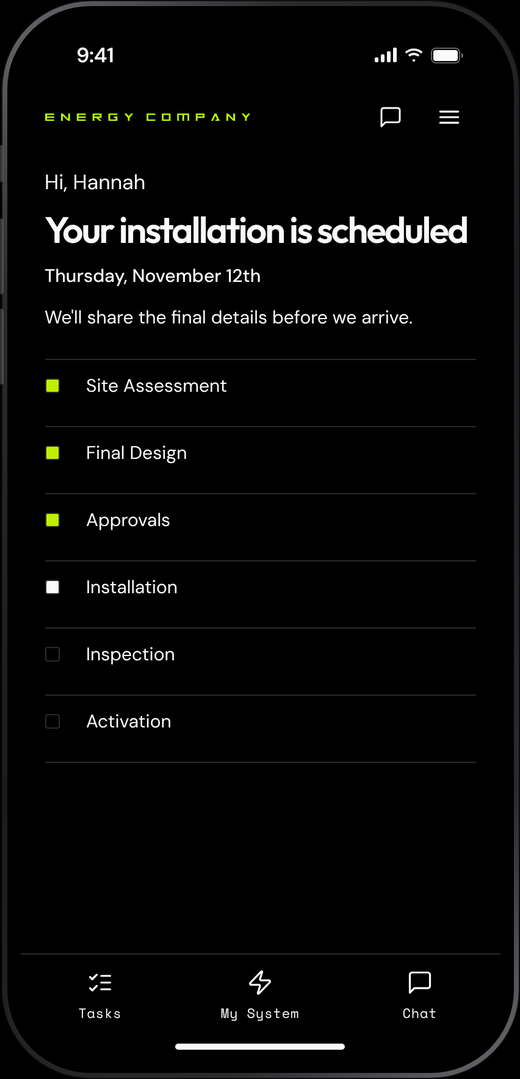
Verify your information and finalize your Energy Plan in the app.Permits and installation
Local permits, your utility application, installation and inspection.Permission to operate and activation
Your utility approves your system, and it’s switched on.
Track every step in the Energy Company App. SIA is available 24/7.
Life with Energy Company
Life with your solar and battery system.
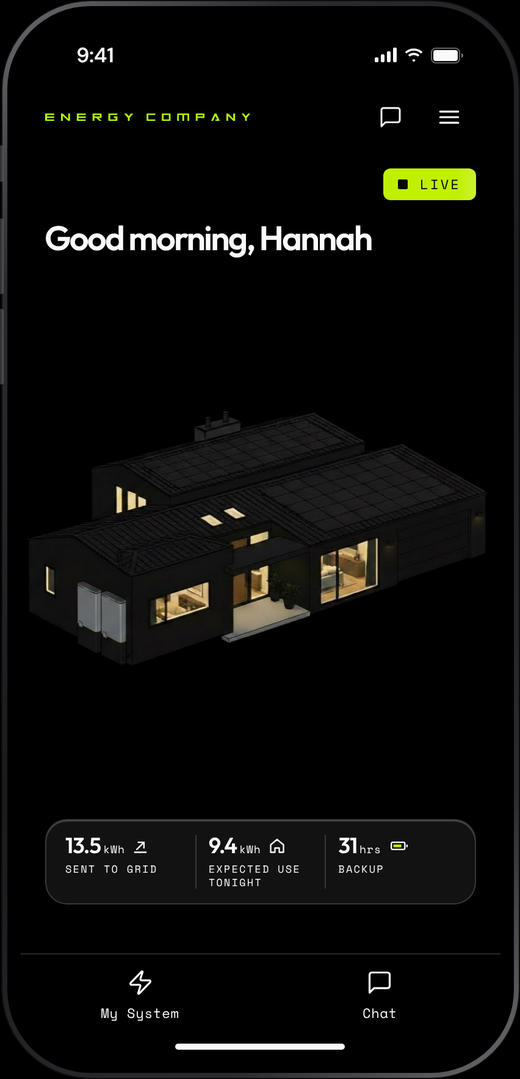
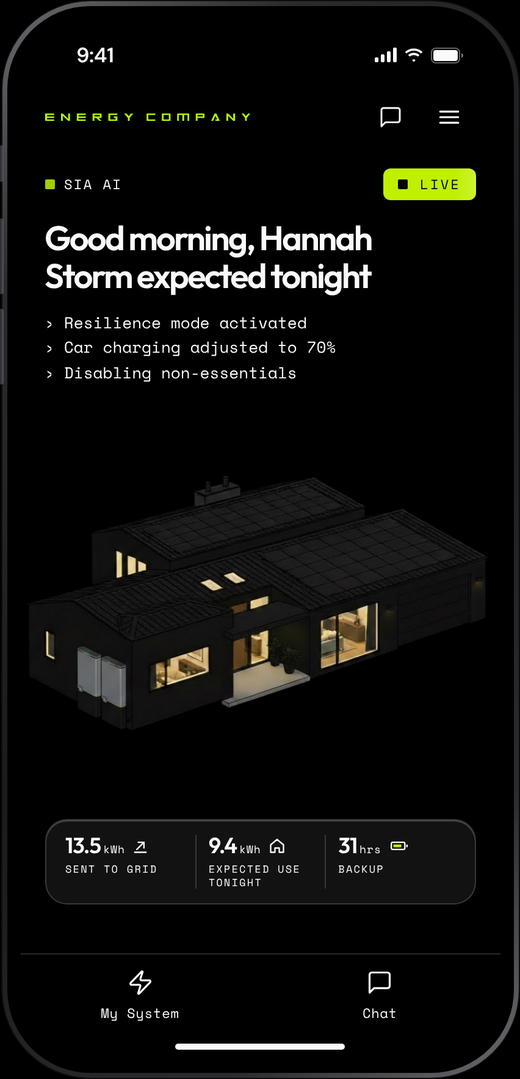
Live monitoring
Live solar monitoring in the app. See your production, storage, what you send to the grid and your expected usage.Ready for every storm
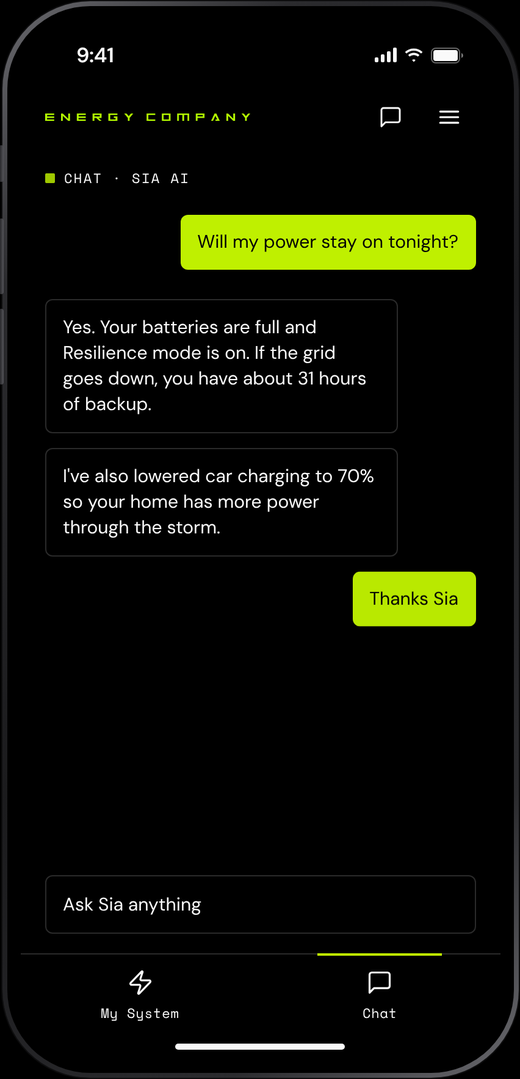
Home battery backup for storms. Energy Intelligence and SIA get your battery ready before an outage, on their own.SIA, 24/7
Ask SIA anything and get real answers.
What happens if I move or sell my home?
Your plan goes with your home.
Transfer or pre-pay your Energy Plan anytime in the Energy Company App. It takes a couple of minutes, like transferring your utilities. When you sell a home with solar, the new owner continues on your plan, and we handle the paperwork.
Frequently asked questions
How long does it take to go solar with Energy Company?
Most projects go from design to a live, energy-producing system in about one to three months. You design your system online in under 60 seconds, then we handle engineering review, permitting, installation (usually completed in a single day), Vision AI verification, city inspection, and utility approval. The biggest variable is how quickly your local permitting office and utility respond, which is why the U.S. Department of Energy created the SolarAPP+ instant-permitting platform to shorten that wait.
Do I have to sit through a sales call to get a quote?
No. You design your system and see transparent pricing online in under 60 seconds, and SIA, our AI advisor, answers questions instantly 24 hours a day. There are no required sales appointments, no door-to-door visits, and no pressure.
Who handles the permits and paperwork?
We do. Energy Company files your building and electrical permits, the utility interconnection application, all incentive and rebate paperwork, and any HOA coordination. You can track every step in real time inside the mobile app.
What actually happens on installation day?
A crew arrives on a date you choose and typically completes a residential installation in a single day. They document the work with photos that Vision AI checks in real time, so any issue is caught and corrected before the crew leaves your property.
How do you make sure the installation is done correctly?
Vision AI analyzes installation photos against more than 200 checkpoints and your local code requirements, flagging problems automatically. Combined with on-site review, this is how we reach a 99.8% first-time inspection pass rate.
When can I actually turn my system on?
Your system goes live once the utility grants Permission to Operate (PTO), its final sign-off allowing you to send power to the grid. As soon as PTO is granted, your system activates and real-time production monitoring begins in your app.